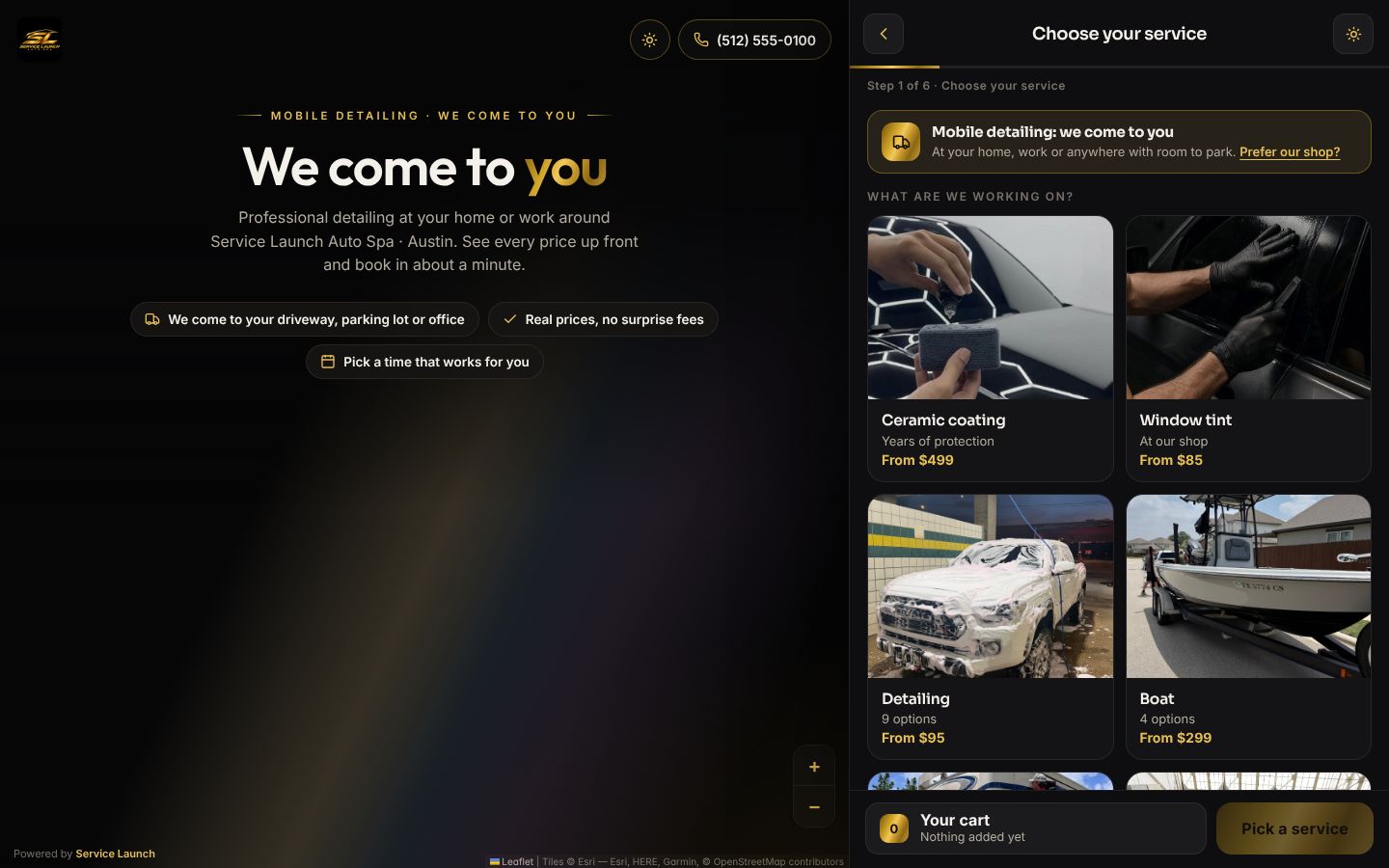
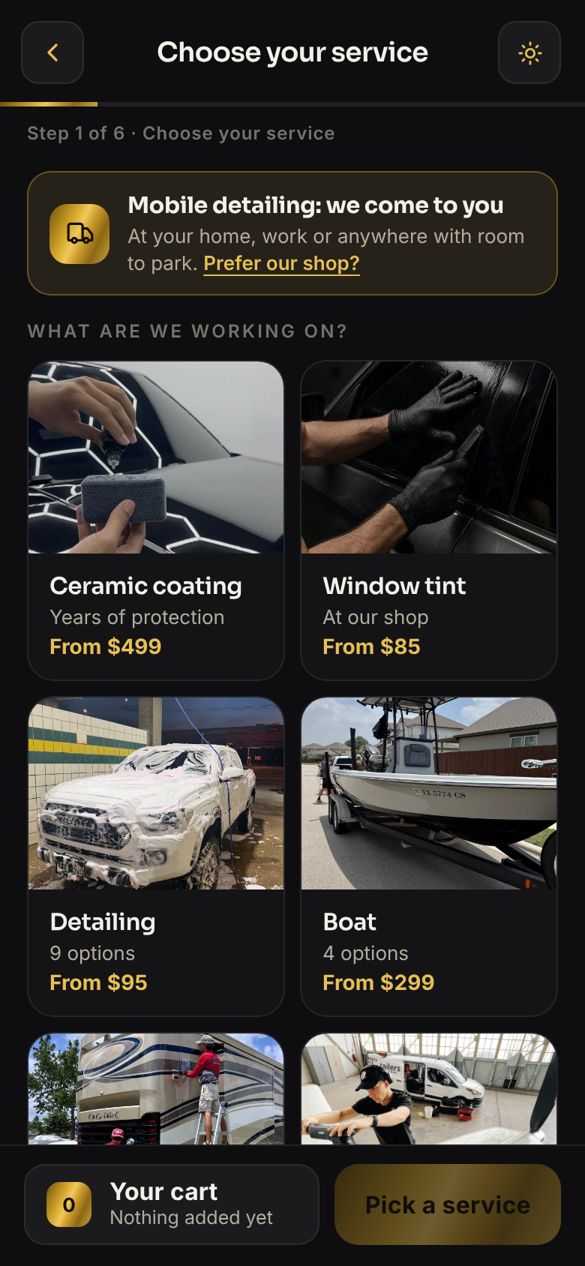
Online booking that books the job while you're on one
Customers pick a service, pick a time and pay a deposit on their own. The page is yours to set up: services, photos, add-ons, service area, deposits and the look.
Start today for $0. Part of the Founder plan, with every feature.
Data migration help
Onboarding call or guided setup
Cancel anytime
How it works in Service Launch
Online booking, quotes, leads, texting and the marketing that brings people in.
01
Customize every part of the page
Your services, prices, descriptions and photos come straight from your price book. Mark what is most booked, add a badge like Best value, and choose which services show online.
Your logo, your colors, light or dark
Add-ons tied to the services they go with
One link per location, or one master page where the customer picks the city
02
Only book where you actually drive
Draw your service area on the map by dropping pins. Inside it, the customer books. Outside it, they see your message to call or text, or a travel fee if you turn that on.
As many areas per city as you need
Shop jobs show your shop on the map
Staff can still book outside the area with a warning
Per service, take a flat deposit, a percent, or the full price with Square or Stripe. The card is held, the job is saved, then the charge goes through, so nobody pays for a time that filled.
Flat, percent or pay in full
Turned on service by service
Paid deposits show on the job and the invoice
04
Links that go straight to one offer
Running a $299 special on your website or an ad? Give it its own link that opens on that one service. A plain Book now link shows everything.
Every booking says where it came from
Confirmations and reminders send themselves
Add to Apple, Google or Outlook calendar after booking
Yes. Services, prices, photos, descriptions, add-ons, badges, which services show online, the logo and light or dark all come from your settings. Changes show on the page right away.
Can I take a deposit when someone books online?
Yes, per service: a flat amount, a percent of the booking, or the full price. It needs Square or Stripe connected.
What happens if someone outside my area tries to book?
They see your message asking them to call or text, unless you turn on booking with a travel fee. Your team can still book them by hand.
Can I put the booking page on my website?
Yes. Link it from any button, give each special its own link, or add the Book online button to your Google Business Profile.
Works hand in hand with
Every part of Service Launch shares the same customers, jobs and numbers.